Assignments & due dates
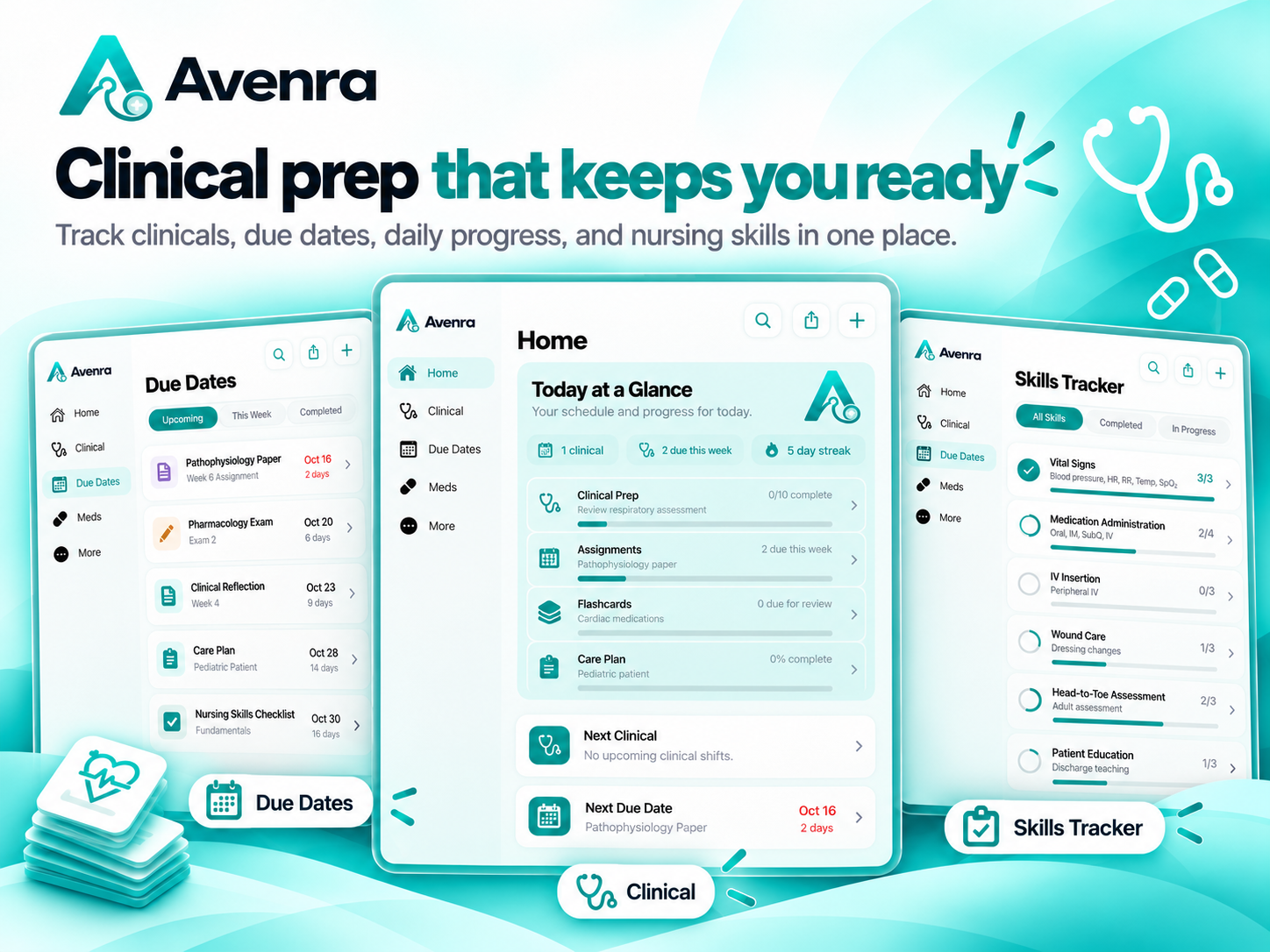
Keep deadlines, exams, reminders, and daily tasks from disappearing into the chaos.
Assignments, clinical prep, med cards, care plans, flashcards, and the things you always need right when you cannot find them—all in one place.
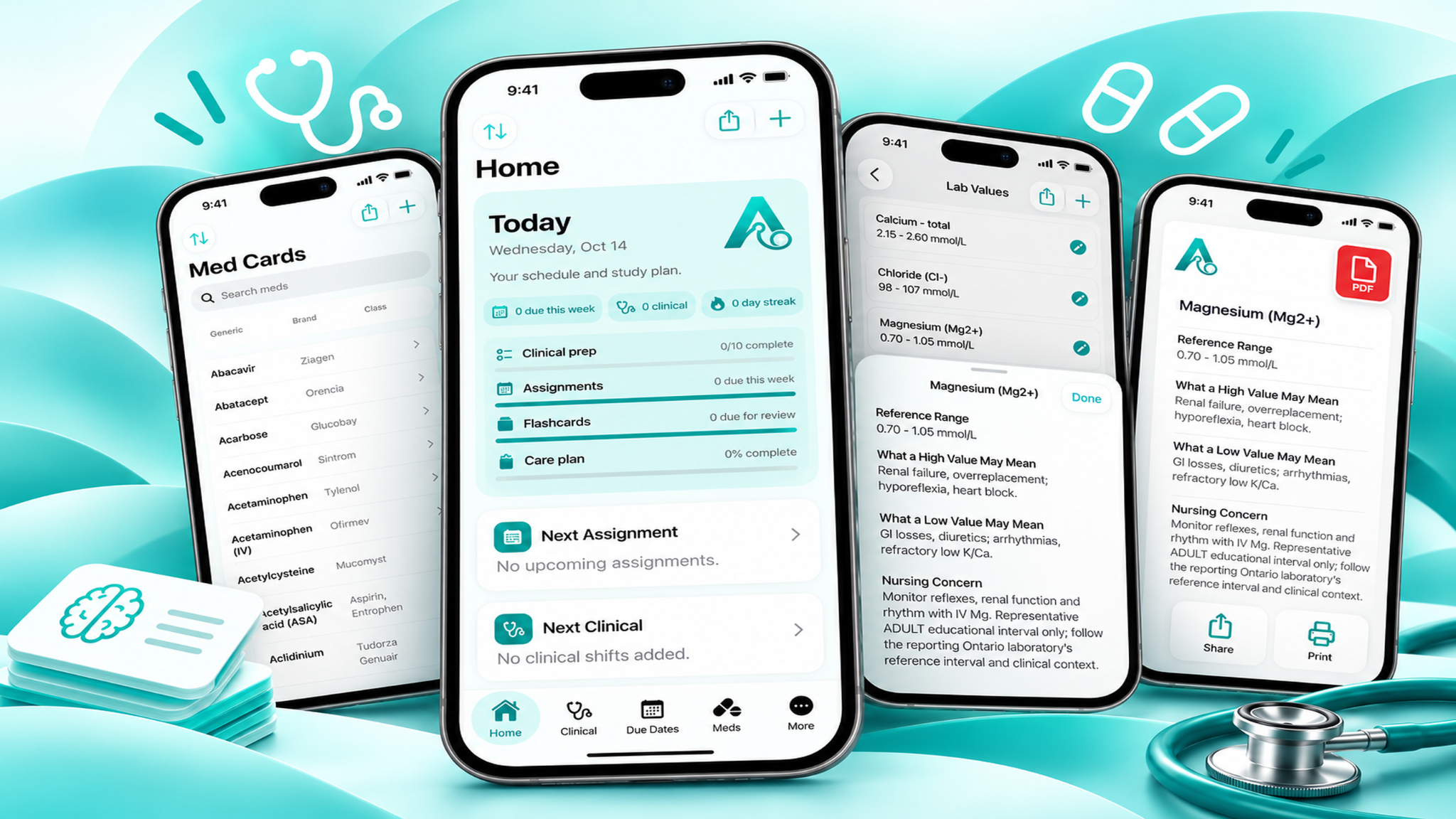
Avenra was made for the real rhythm of nursing school: back-to-back clinicals, care plans, medication cards, never-ending due dates, and trying to study without losing track of the rest. It is a clean place to keep moving, not another complicated system to maintain.
Bring assignments, clinical shifts, upcoming due dates, care plans, and flashcard reviews into one simple home screen.
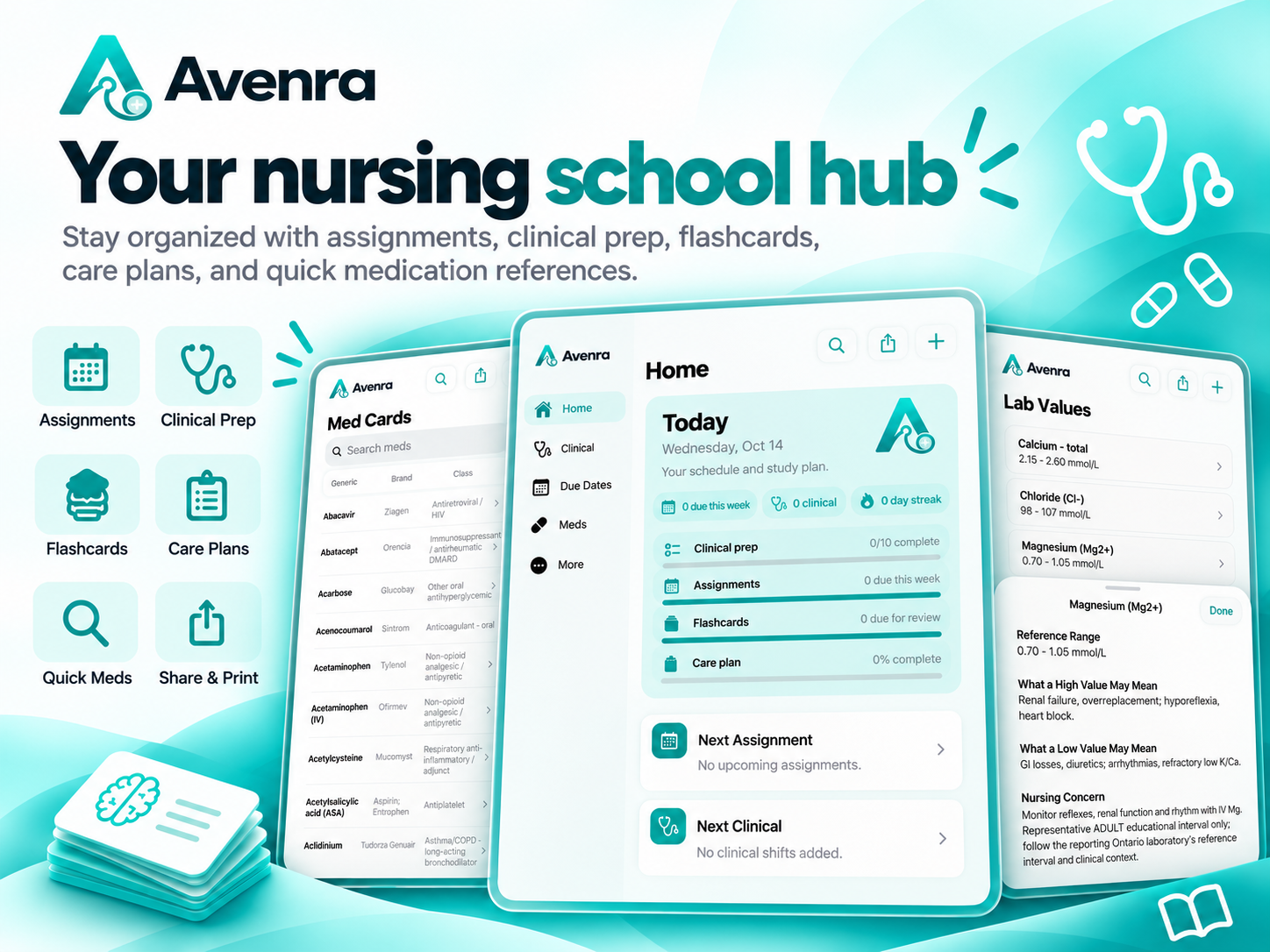
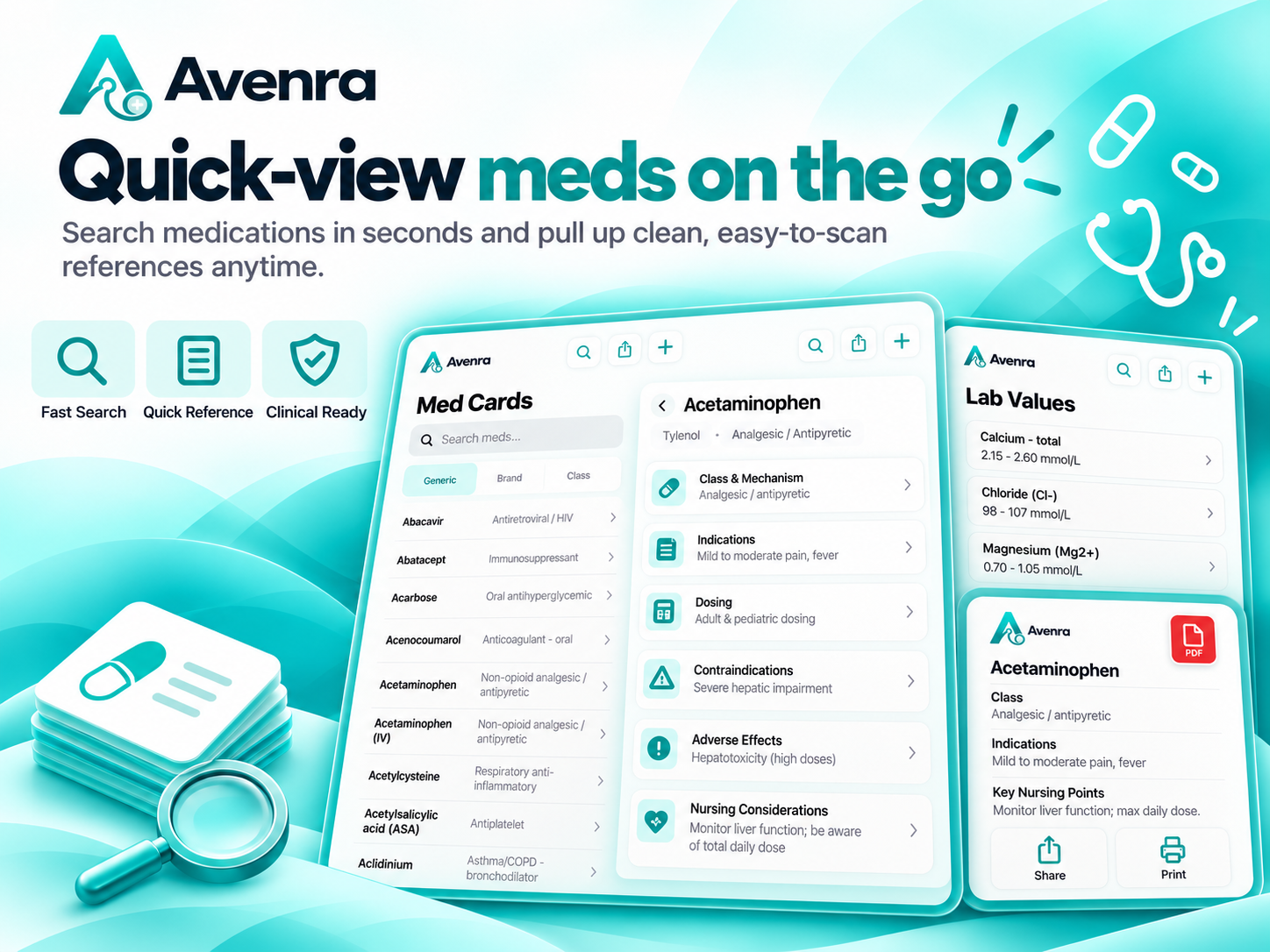
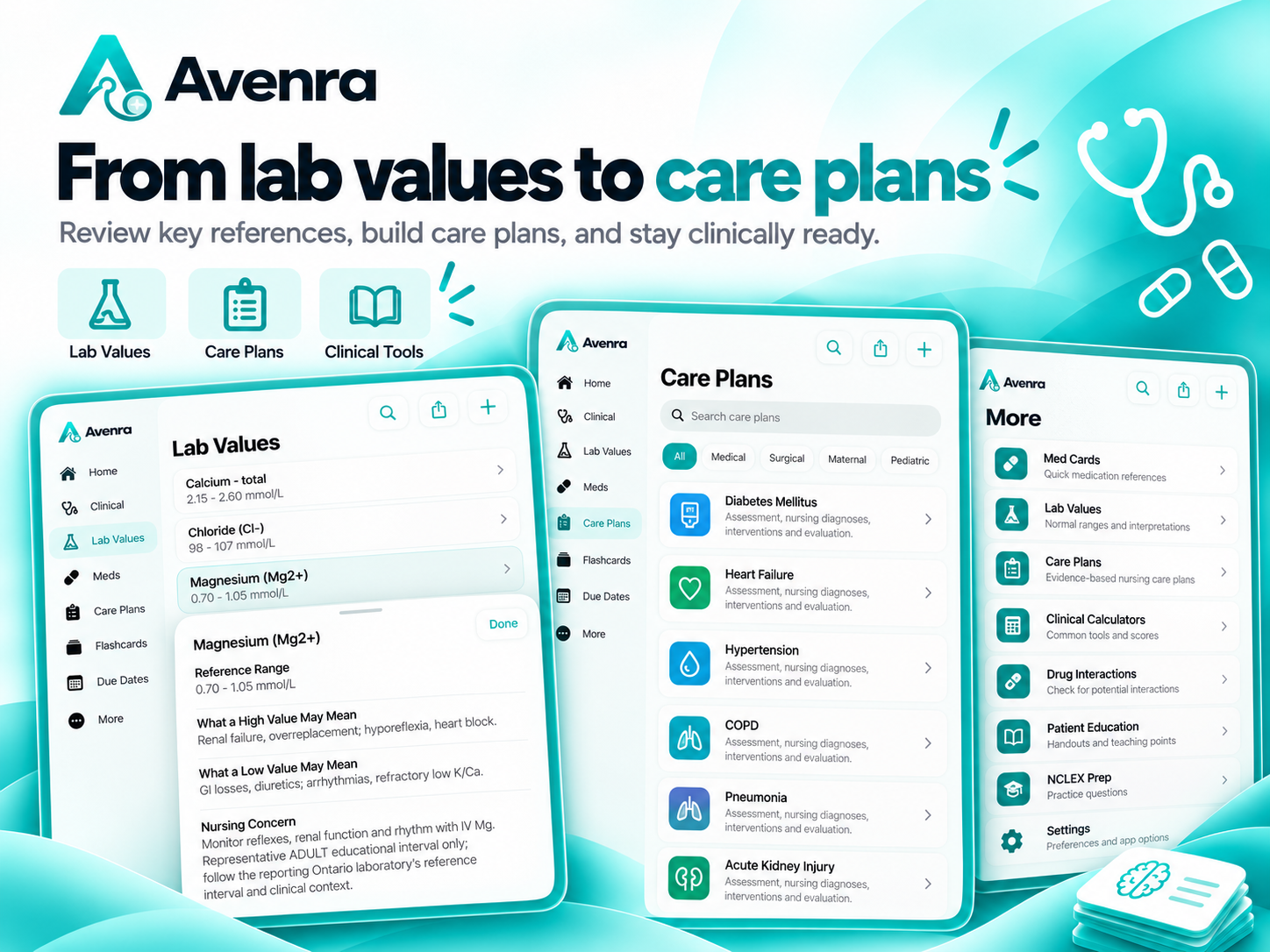
Search medication cards, view class and mechanism, indications, dosing, contraindications, adverse effects, and nursing considerations. Review lab values with clear reference ranges and clinical context, then share or print what you need.
Jump into the iOS beta, use it in your actual program, and tell me what would make it genuinely more useful for nursing students.
Keep clinical shifts, daily progress, due dates, nursing skills, checklists, and prep work visible in one workflow. Avenra also gives you a home for clinical reflections and debriefs after the shift.
Build nursing care plans, review clinical references, keep flashcards organized, and use practical tools including clinical calculators, drug-interaction checks, patient-education resources, and NCLEX preparation.
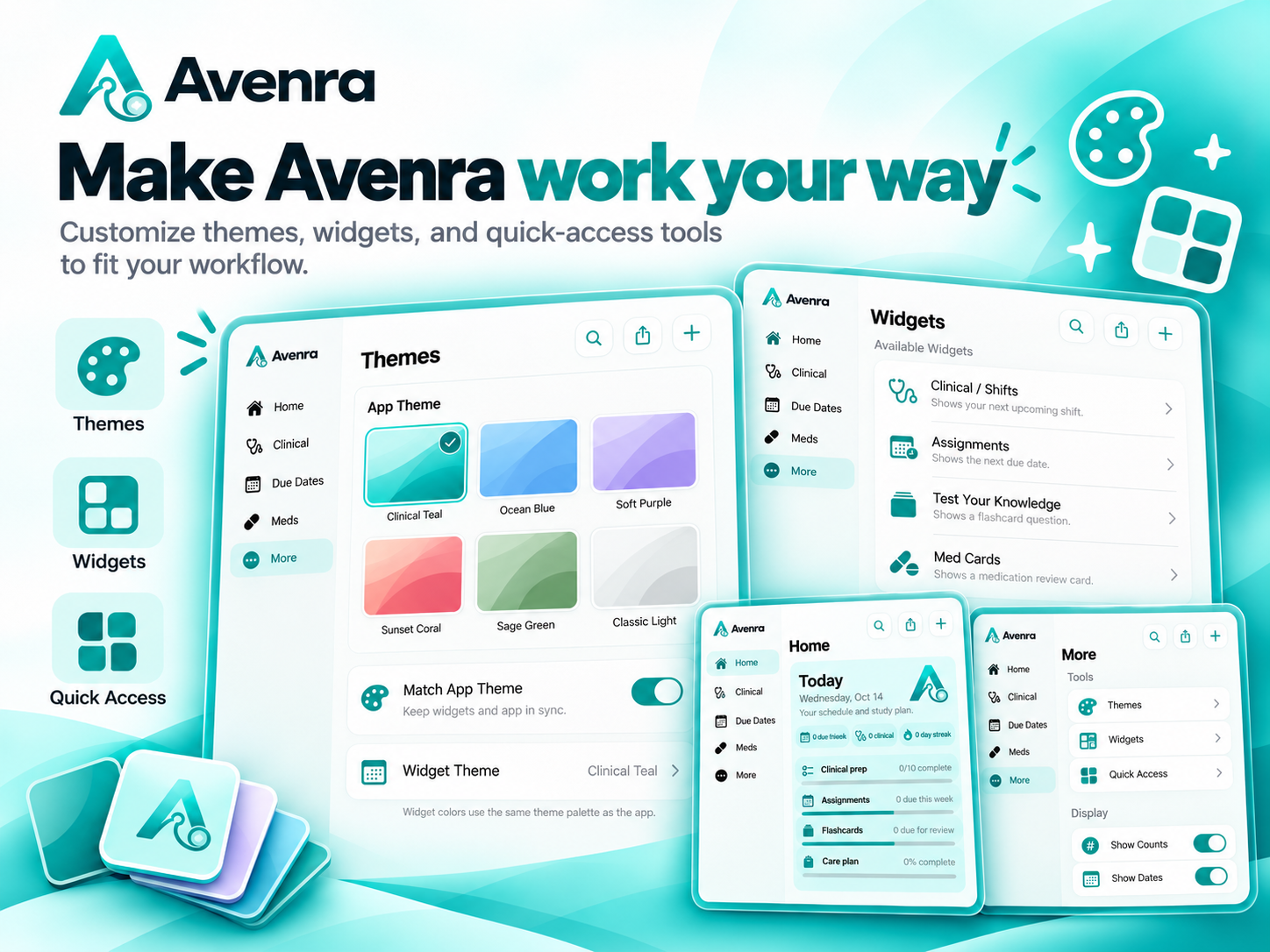
Make the app feel like yours with themes, widgets, quick access tools, home-screen personalization, and CSV flashcard import for the content you already have.
Explore every feature and Premium access →Keep deadlines, exams, reminders, and daily tasks from disappearing into the chaos.
Track shifts, skills, clinical goals, checklists, and reflections in one place.
Practical references for fast, focused review when you are studying or preparing.
Bring care planning, flashcards, CSV imports, and nursing resources together.
Set your theme, choose widgets, and make the home screen fit your own workflow.
Keep the tools you use most within reach while you are balancing a busy program.
Choose a theme, set up widgets, change quick-access tools, and personalize your home screen so the app works with your routine—not against it.